Convert YouTube to MP3 Online in High Quality
Paste any YouTube link to extract clean MP3 audio up to 320 kbps directly to your phone or computer.
How to download YouTube MP3
Copy, paste, download.
- 1
Copy the link
Open the video and copy its address from Share. - 2
Paste it above
Put the link in the YouTube to MP3 box. - 3
Choose the MP3
Pick a bitrate, then download the track to your.
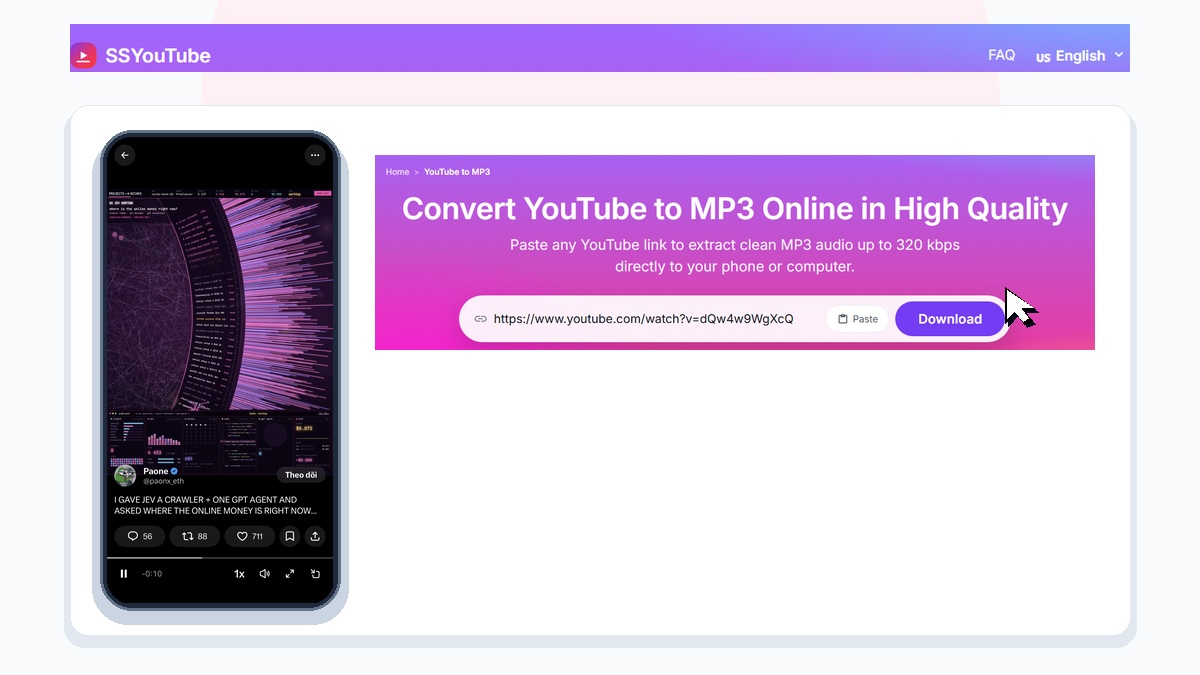
SSYouTube lets you extract clean MP3 audio tracks from public YouTube videos in seconds. Save music clips, podcasts, lectures, and interviews for easy offline listening without streaming video frames.
How to Convert YouTube to MP3
Extracting audio from a YouTube video is fast and simple:
- Copy the link: Open YouTube on your device, find the podcast or music video you want, tap Share, and choose Copy link.
- Paste on SSYouTube: Open the MP3 converter on ssyoutube.app and paste your link into the search field.
- Download your MP3: Click Download, select your preferred audio quality, and save the audio file directly to your device.
Choosing the Best Audio Quality
SSYouTube offers flexible bitrate settings to match sound quality with your storage space:
- 320 kbps (High Fidelity): The best sound quality available. Preserves full stereo separation and crisp high frequencies for music and live concerts.
- 256 kbps (Balanced): Delivers clear sound with about twenty percent smaller file size. Great for everyday listening.
- 128 kbps (Compact Storage): Uses very little storage, roughly one megabyte per minute. Ideal for spoken podcasts, audiobooks, and lectures.
Listen with Your Screen Off
Streaming video on your phone drains battery and stops playing as soon as you lock your screen. Once you download an MP3 file using SSYouTube, you can turn off your screen and keep listening through headphones. Background playback saves substantial battery life on daily commutes and flights.